Microsoft Azure — faster, safer, cheaper
What is Azure?
Azure is Microsoft's cloud platform offering hundreds of services: compute, networking, database, analytics and AI. In practice, it enables running applications and storing data in Microsoft's global datacenter infrastructure — with high availability, security and pay-per-use billing.
Key features
Secure start
A ready-made environment framework: networks, access and security policies. Start quickly and securely.
System migration
Lift-and-shift (IaaS) or modernization to managed services — without business downtime.
Protection and backups
Multi-factor authentication, threat protection and backup/DR — consistent across the environment.
Automation
Templates and pipelines instead of manual clicks. Deploy faster, maintain more easily, monitor everything.
Cost control
Pay for usage. Through reservations and resource sizing, we realistically reduce cloud bills.
Global Azure reach
Explore regions, geographies and sustainability initiatives in Microsoft datacenters.
Migration to Azure
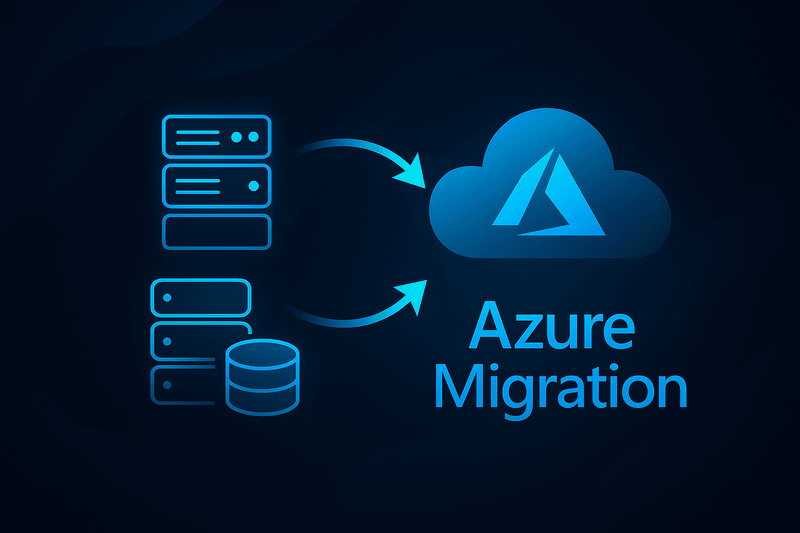
We provide comprehensive migration to Microsoft Azure cloud — from assessment and design through Landing Zone construction to service migration and optimization. We ensure stable execution, cost control and security aligned with Microsoft best practices.
- Assessment & plan — resource analysis, dependencies, TCO and migration plan (wave by wave).
- Landing Zone — networks (hub‑spoke, VPN/ExpressRoute), identity (Entra ID), policies and security (Defender for Cloud, Backup/DR).
- Migration — lift‑and‑shift (IaaS) or modernization to PaaS (App Service, Azure SQL, Storage, Functions) with maintenance windows and tests.
- Verification & cutover — performance tests, HA, backups, monitoring and recovery plan.
- Optimization (FinOps) — reservations, right‑sizing, cost policies, automation and reporting.
Hybrid work (on‑prem ↔ Azure)
You can operate in a hybrid model: combining on-premises and cloud resources. We use VPN/ExpressRoute, Azure Arc for managing servers/Kubernetes outside Azure, Entra Connect for identity synchronization and consistent security policies across the entire environment.
Azure Disaster Recovery
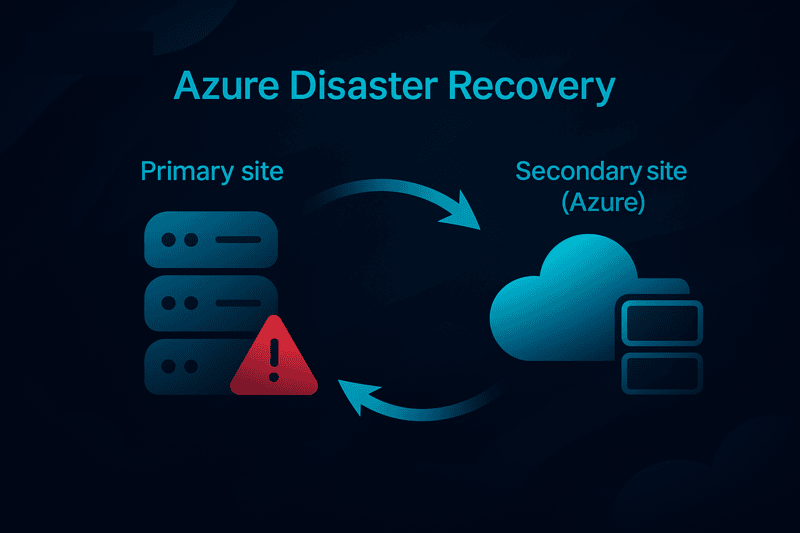
Azure provides Disaster Recovery (DR) with replication, failover and backup integration, ensuring business continuity.
- Site Recovery — automatic replication and disaster recovery
- Cross-region replication for high availability
- Automatic failover and failback to minimize downtime
- Integration with backup for comprehensive data protection
Microsoft 365 Integration
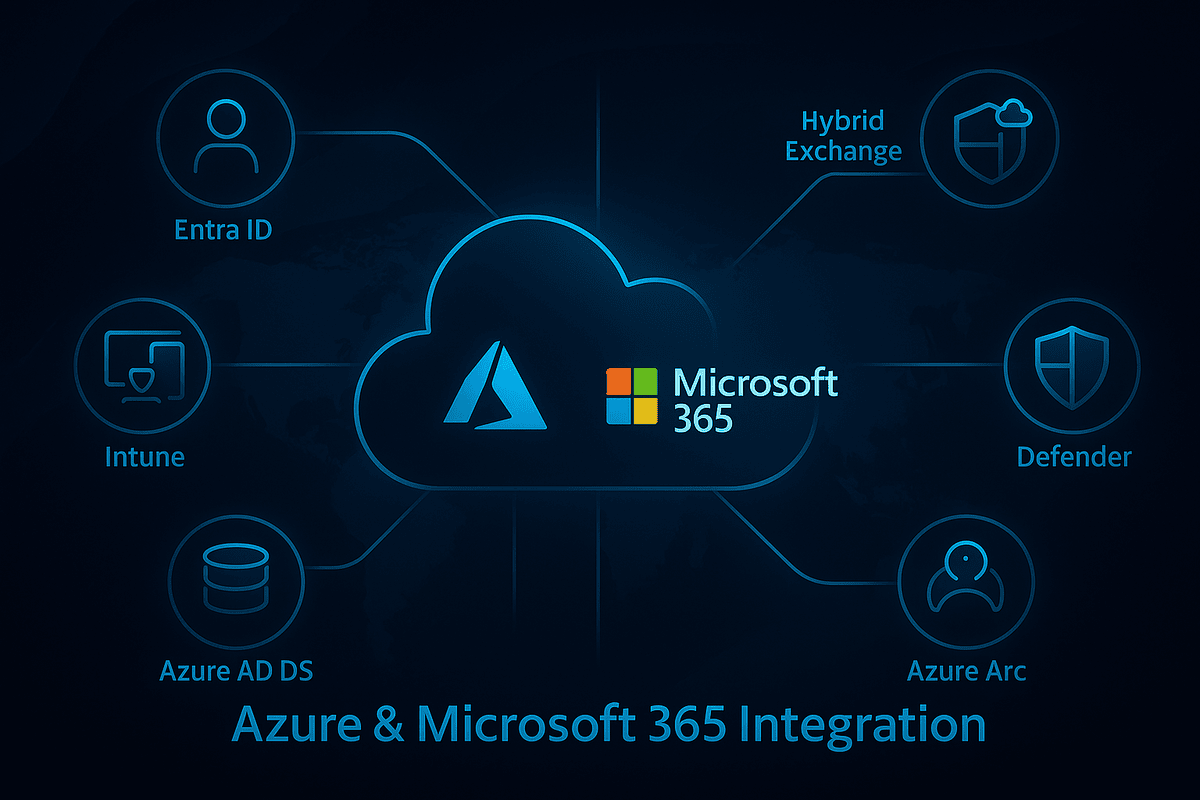
Azure and Microsoft 365 form a unified identity, device and application ecosystem. We connect on‑premises and cloud resources to simplify sign-in, management and security.
- Microsoft Entra ID — SSO/MFA/Conditional Access, application and role integration (PIM).
- Hybrid Exchange — smooth transition to Exchange Online, hybrid addressing and routing.
- Intune + Defender — device management, compliance, EDR and email protection.
- Azure AD DS / Entra Connect — domain extension and identity synchronization.
- Azure Arc — unified management of servers and Kubernetes outside Azure.
Benefits in practice
Innovation on demand
Use AI, containers, IoT, databases and analytics without hardware purchases and long deployments.
Security & compliance
Built-in security and compliance controls (ISO, GDPR), encryption, backups and DR.
Scaling & reliability
Scale up/down in minutes, use multiple regions and availability zones.
Cloud economics
Pay for usage, optimize costs with reservations/spot and right-sizing.
FAQ — frequently asked questions
Is Azure cheaper than on-prem datacenter?
It depends on the workload and model. Through FinOps, reservations and right-sizing, we typically reduce TCO by 15-35%.
Can I operate hybrid (on-prem ↔ Azure)?
Yes. We use hub-spoke, VPN/ExpressRoute, Entra Connect and Azure Arc for consistent management.
How does security and compliance (GDPR/ISO) work?
Azure meets major standards (ISO, SOC, GDPR). We implement Defender for Cloud, backup/DR and compliance policies.
How long does Azure migration take?
Typically 4-12 weeks (assessment → Landing Zone → migration in waves → cutover), depending on scope.
Cloud service models
IaaS — Infrastructure as a Service
Virtual machines, networks, disks. Full control over the system, fast migration (lift & shift).
PaaS — Platform as a Service
Managed services (e.g. Azure SQL, App Service). Less administration, higher availability as standard.
SaaS — Software as a Service
Ready applications accessible via browser (e.g. Microsoft 365). Instant launch, subscription model.
Key takeaways
- Azure is the backbone of Microsoft Cloud — a flexible platform for applications, data and AI.
- Global infrastructure facilitates business continuity and local regulatory compliance.
- Pay-as-you-go cost model with mature FinOps practices enables real cost reduction.